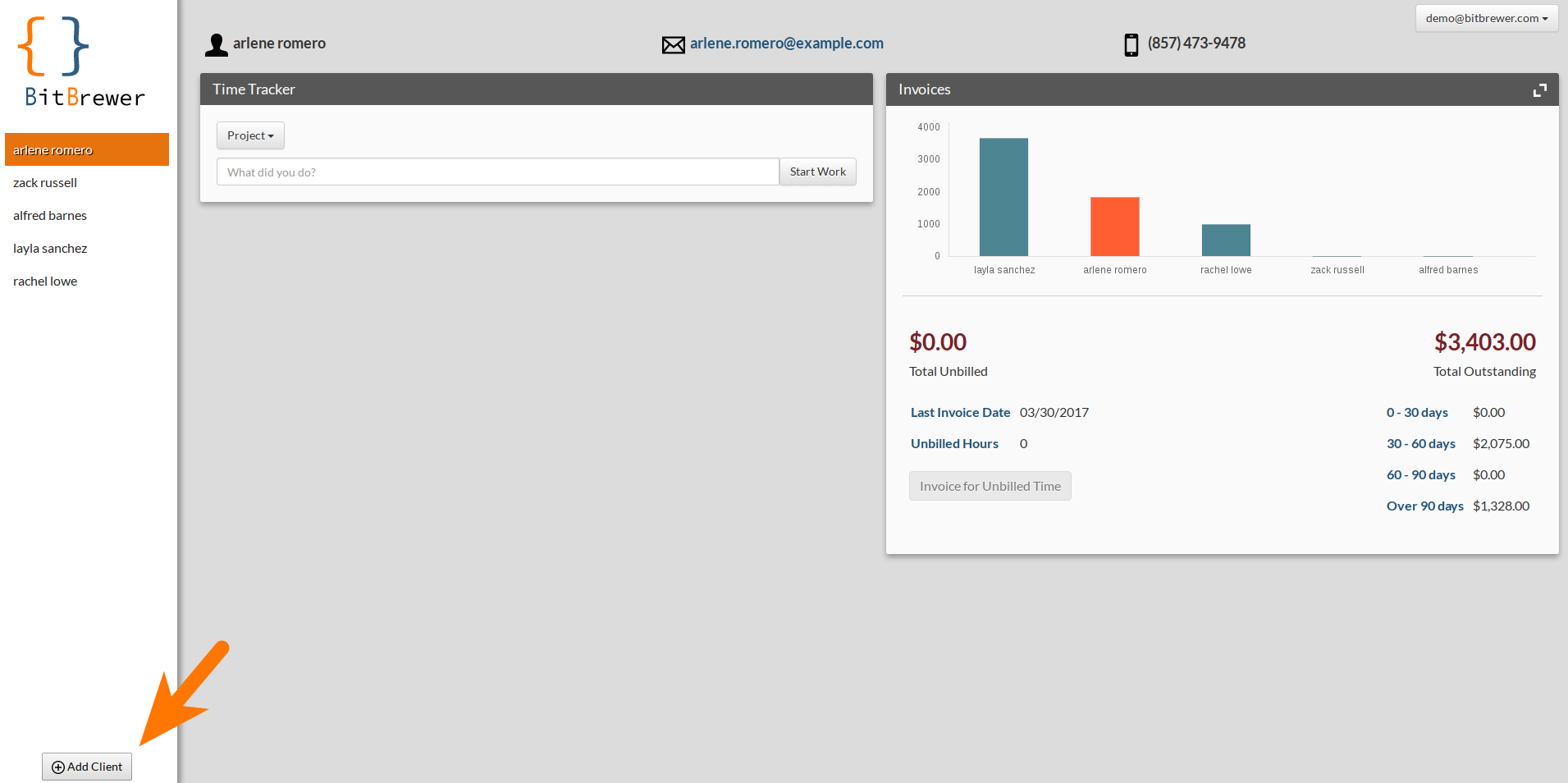
From your dashboard, click the 'Add Client' button in the lower left-hand corner.
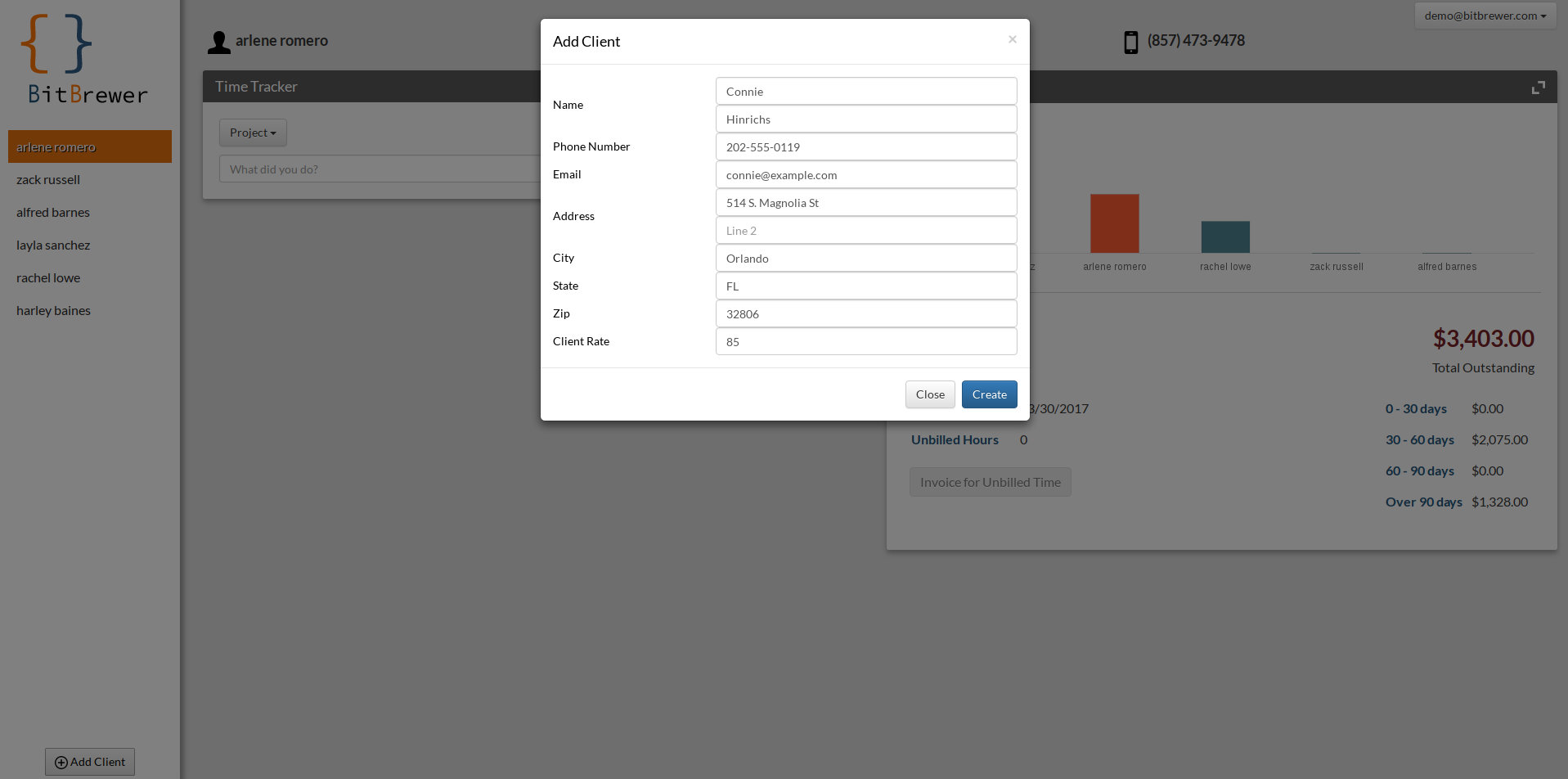
The create client form will open. Just fill out the information and click 'create'!

Modified on: Thu, 30 Mar, 2017 at 10:09 PM
From your dashboard, click the 'Add Client' button in the lower left-hand corner.
The create client form will open. Just fill out the information and click 'create'!
Did you find it helpful? Yes No
Send feedback